


Key Takeaways
- Physical therapy infographics turn the explanations your clinicians give every day into visuals a prospective patient can follow before they ever book.
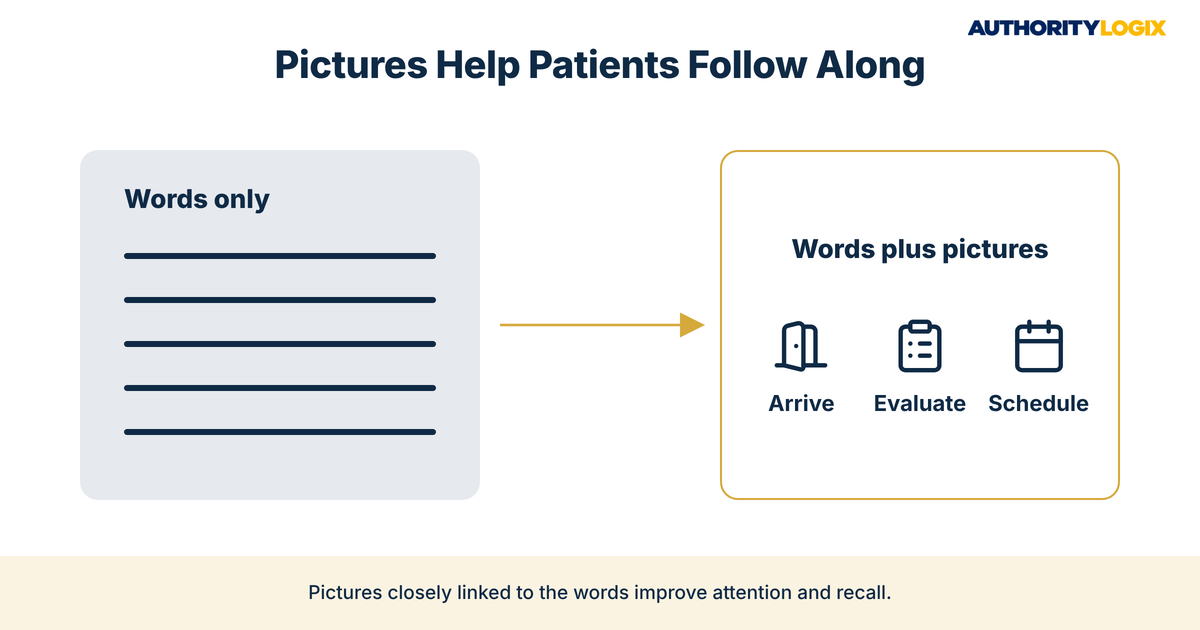
- A 2006 review in Patient Education and Counseling found that pictures closely linked to written or spoken text can markedly increase attention to and recall of health education information.
- PT visual patient education should start with process questions, such as first visits, direct access, plans of care and billing, before condition explainers.
- Google uses alt text along with computer vision algorithms and page content to understand images, so physical therapy infographics need descriptive alt text and clear file names.
- A written designer brief with clinician-approved words keeps physical therapy infographics accurate, on brand and free of outcome promises.
- One graphic can serve your website, emails, social channels and front desk when it sits inside a system built for reuse.
Table of Contents
Why Physical Therapy Infographics Help Patients Understand Your Care Faster
Physical therapy infographics turn the explanations your clinicians give every day into pictures a prospective patient can follow in seconds. Most practices already have the knowledge, but almost none of it is visible before someone books. A website with an organized educational hub of visuals gives that knowledge a public home, so the person comparing clinics late at night sees how you explain care before they ever call.
Your clinical team is credible but invisible. Patients hear excellent explanations in the treatment room, but those explanations stay in the room, and prospective patients never hear them at all. Physical therapy infographics close both sides of that gap, because the same visual that helps a current patient remember the plan also shows a future patient that your practice explains care clearly.
The research on health communication supports the idea. A 2006 review in Patient Education and Counseling found that pictures closely linked to written or spoken text can markedly increase attention to and recall of health education information, and that patients with low literacy skills are especially likely to benefit. A 2024 systematic review and meta-analysis of 28 studies in BMC Health Services Research concluded that visual-based interventions, particularly ones using videos, are effective for improving health literacy and the comprehension of health-related material.
For a practice owner, that comprehension matters commercially as well as clinically. A prospective patient who understands what a first visit involves, how direct access works and what a plan of care looks like has fewer reasons to hesitate. That is why physical therapy infographics belong inside your patient acquisition system rather than in a folder of one-off handouts.
The catch is that physical therapy infographics only work as infrastructure when they are produced the same way every time. A repeatable production process covering topic, script, clinician review, design, alt text, publishing and sharing is what content systems are built to deliver, and it is the difference between a pile of images and a visual education library that keeps working.
Visuals also make your practice easier to recommend. A referring physician’s office, a gym trainer or a former patient can share a clear graphic about your first visit far more easily than a long page of text, and every shared image carries your practice name with it. Treated this way, physical therapy infographics become a working part of your PT marketing instead of decoration.
The Physical Therapy Patient Education & Clinical Authority Guide shows how patient education builds clinical trust, and where physical therapy infographics fit inside that system.
What PT Visual Patient Education Should Explain First
Good PT visual patient education starts with the questions people ask before they book, not the topics clinicians find most interesting. The first visuals a practice produces should remove the uncertainty that keeps a prospective patient from calling.
Start your physical therapy infographics with the moments where patients hesitate most. Each item below is a question your front desk already answers by phone every week.
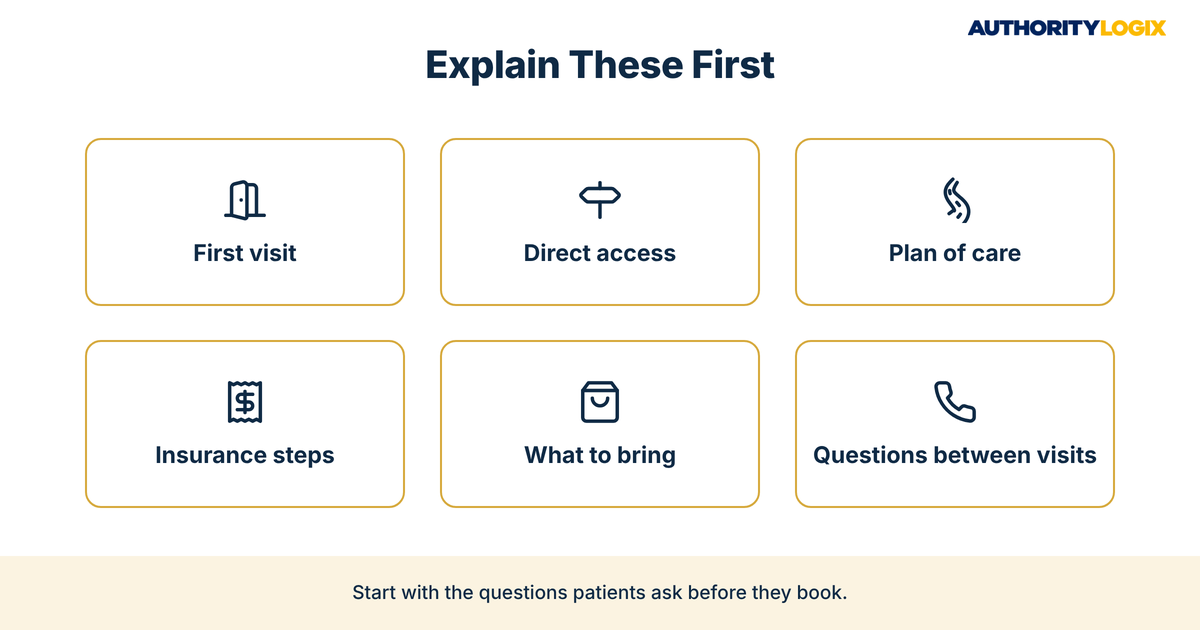
- What happens at the first visit, from check-in to the end of the evaluation
- Whether a referral is needed under the direct access rules in your state
- How a plan of care is organized and how visits are scheduled
- What insurance verification and billing steps look like
- What to wear and bring to the first appointment
- How to reach the clinic with a question between visits
Each of these topics is a process, and processes are exactly where pictures help. The 2006 review in Patient Education and Counseling found that pictures can improve comprehension when they show relationships among ideas, which is what a step-by-step visit diagram does. Building these graphics into an organized education library means every front-desk call and intake email can point to the same clear explanation.
Condition explainers come next, and they need more care. A simple body diagram can help a patient follow the conversation, but it should never promise a result or imply a diagnosis.
Plain language matters as much as the drawing. Keep labels short, use everyday words instead of clinical shorthand, and pair every PT visual patient education graphic with a short written explanation on the page. Practices that publish physical therapy infographics alongside written guides in a public resource library give patients two ways to understand the same information, which helps readers at every literacy level.
PT Diagram Content Ideas That Answer Common Patient Questions
The best PT diagram content ideas come straight from your front desk and your treatment rooms. Ask your team which questions they answer over and over, and you have your first production list. Each of those questions can become one of your physical therapy infographics.
| Diagram idea | Patient question it answers | Where it works best |
|---|---|---|
| First-visit timeline | What will happen when I walk in? | New-patient page, confirmation email |
| Direct access explainer for your state | Do I need a doctor’s referral? | Booking page, FAQ page |
| Plan-of-care roadmap | How are my visits organized? | Service pages, intake packet |
| Insurance and billing steps | What happens with my insurance? | Billing page, intake email |
| Body-region explainer (knee, shoulder, back) | What is the therapist looking at? | Condition pages |
Not every idea needs a static graphic. Some topics, such as how an assessment space is set up, are easier to follow in motion, and pairing physical therapy infographics with short video education clips gives patients a still image to save and a video to watch. The 2024 BMC Health Services Research meta-analysis singled out visual-based interventions using videos as particularly effective, so use the two formats together.
Process Diagrams for First Visits and Plans of Care
Process diagrams are usually the highest-value starting point because every new patient goes through the same steps. A first-visit diagram shows arrival, paperwork, the evaluation conversation, the assessment and the scheduling of next visits as a simple left-to-right sequence. A plan-of-care diagram shows how visits are organized and when progress is reviewed, without promising a timeline for any individual patient.
These diagrams also reinforce how your clinicians work. When a patient sees the same sequence on your website, in a confirmation email and on the treatment room wall, the practice looks organized. That consistency feeds the kind of authority growth that separates a recognized clinic from a merely competent one.
Not sure whether your website explains care clearly enough for prospective patients to book with confidence? The assessment shows where physical therapy infographics and patient education would close your biggest visibility gaps first.
How Physical Therapy Infographic SEO Works in Google Images and Search
Physical therapy infographic SEO is the work of making sure search engines can read what a picture shows. A person understands a clear first-visit diagram instantly, but a search engine needs signals. According to Google’s image SEO guidance, Google uses alt text along with computer vision algorithms and the contents of the page to understand the subject matter of an image.
The picture, the words in its alt attribute and the text around it should all describe the same thing. Google also advises placing images near relevant text on pages that are relevant to the image subject matter, so a direct access graphic belongs on your direct access page, not in a generic gallery.
A few technical details decide whether physical therapy infographics can be found at all. Google states that it doesn’t index CSS images, so each infographic should be placed with a standard HTML image element rather than as a background design.
Image search is one layer of a wider plan. The page that holds the graphic still needs a clear title, a sensible heading structure and a written explanation, which is the discipline set out in the content SEO playbook.
Alt Text and File Names for Physical Therapy Infographics
Alt text should describe what the graphic shows in plain words, not stuff keywords into a sentence. For a practice, that means alt text like “first visit steps at a physical therapy clinic, from check-in to scheduling” rather than a string of service terms.
File names follow the same logic. Google recommends filenames that are short but descriptive, and gives the example that my-new-black-kitten.jpg is better than IMG00023.JPG. Google also notes that alt text improves accessibility for people who can’t see images, which matters for every patient who uses a screen reader.
Local intent adds one more layer. When someone searches for a physical therapist nearby, the images on your location pages, service pages and business profile all shape how complete your practice looks, so physical therapy infographics should be part of your local search work rather than separate from it. Use your town name naturally in the page copy around each graphic where it fits.

How to Brief a Designer So Every Visual Stays Accurate and On Brand
Most infographic problems start with a vague brief. A designer told to make something about knee pain will produce an attractive image that may be clinically loose, off brand or impossible to read on a phone. A written brief fixes that before design starts, and it lets any designer produce physical therapy infographics that look like they belong to the same practice.
Every brief should carry the same core information. Use this list as the template for each new graphic.
- The single patient question the graphic answers
- The exact words and numbers allowed in the image, approved by a clinician
- Brand colors, fonts and logo placement
- The size and the page or channel where it will appear
- Alt text, title and file name, written before design begins
- Who signs off on clinical accuracy and who signs off on design
Clinical accuracy is the line that cannot move. A licensed clinician should approve every label, arrow and body diagram before it goes live, and the graphic should explain, never diagnose or promise outcomes. This review step is built into our process for practices, because one inaccurate graphic shared widely does more damage than a missing one.
Brand consistency matters for a different reason. When every graphic uses the same colors, type and layout, a patient who sees one on social media and another in an intake email recognizes the practice instantly. That recognition is part of what our services are built to create: physical therapy infographics, pages and guides that read as one connected system rather than a collection of unrelated designs.
Physical Therapy Infographics FAQ for Practice Owners
Practice owners and prospective patients ask these questions most often about physical therapy infographics. The answers stay inside marketing and education, because a graphic can explain care but never replaces a clinician’s evaluation.
How do I write alt text descriptions for physical therapy infographics?
Describe what the image shows in one plain sentence, as if explaining it to someone who cannot see it. Include the main subject and the setting, and keep it short. Skip filler such as “image of” and never repeat a list of keywords.
Can an infographic tell me whether physical therapy will help my condition?
No, it cannot. An infographic can explain how an evaluation works and what a therapist looks at, but only a licensed clinician who examines you can discuss your specific situation and options. Practices that make this clear in their visuals, the standard AuthorityLogix applies to every patient education piece it builds, earn trust without implying promises.
Will physical therapy infographics bring in new patients on their own?
Not on their own. A graphic helps a patient understand and trust the practice, but people still need to find you first in local results, maps and reviews. That is why visuals work best inside a wider local visibility plan that puts your pages and profile in front of the people searching.
What should a practice check before publishing a new infographic?
Confirm that a clinician approved the content, the words are plain, the file name is descriptive, the alt text is written and the graphic sits next to related text on the right page. If any of those is missing, hold the graphic until it is fixed.

Ready to build a clinician-reviewed visual education system that helps patients understand your care and helps Google find it?
Building a Visual Education Library That Keeps Earning Search Traffic
A visual education library is a set of physical therapy infographics organized around the questions patients ask, each one living on a relevant page, described in alt text and shared on purpose. Over time, it becomes one of the clearest signals that your practice explains care well.
Turning One Infographic Into Social and Email Assets
Every finished graphic should be used several times. A first-visit diagram can become a social post, a slide in a new-patient email and a section of your booking page. That reuse is the job of distribution, which makes sure each graphic reaches current patients, prospective patients and referral partners instead of sitting on one page.
Each reuse should point back to the page where the full explanation lives. A social post with a crisp diagram and a link to the matching page turns a quick view into a visit, and that visit can become a booking when the page offers a clear next step. Connecting each graphic to a booking path is part of lead generation, and it is what turns physical therapy infographics from decoration into new evaluations.
AuthorityLogix built this kind of infrastructure first for its own proof-of-concept, BKDSCR.com, a real estate investment education platform with 18 pillar pages, 7 interactive tools and 48 blog posts, built with zero paid ads. The niche is different, but the principle is the same: organized educational assets keep working long after they are published.
The honest assessment is that most physical therapy practices already have the clinical knowledge to fill a visual library. What they lack is the system that turns that knowledge into accurate, findable, reusable physical therapy infographics. Build the system once, keep adding to it, and the library keeps working while your clinicians focus on care.